
搜索产品
搜索文章
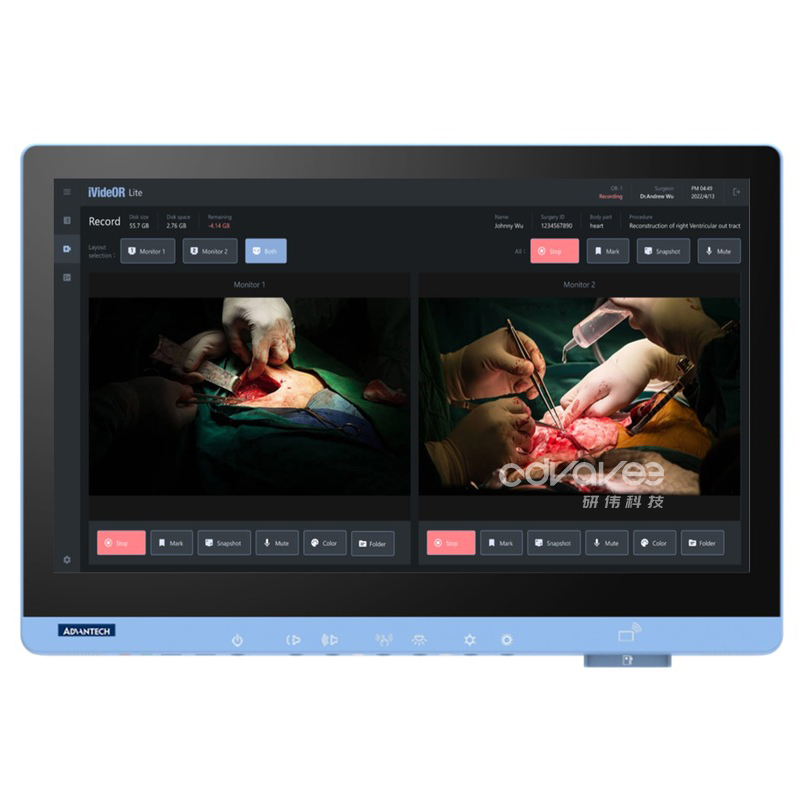
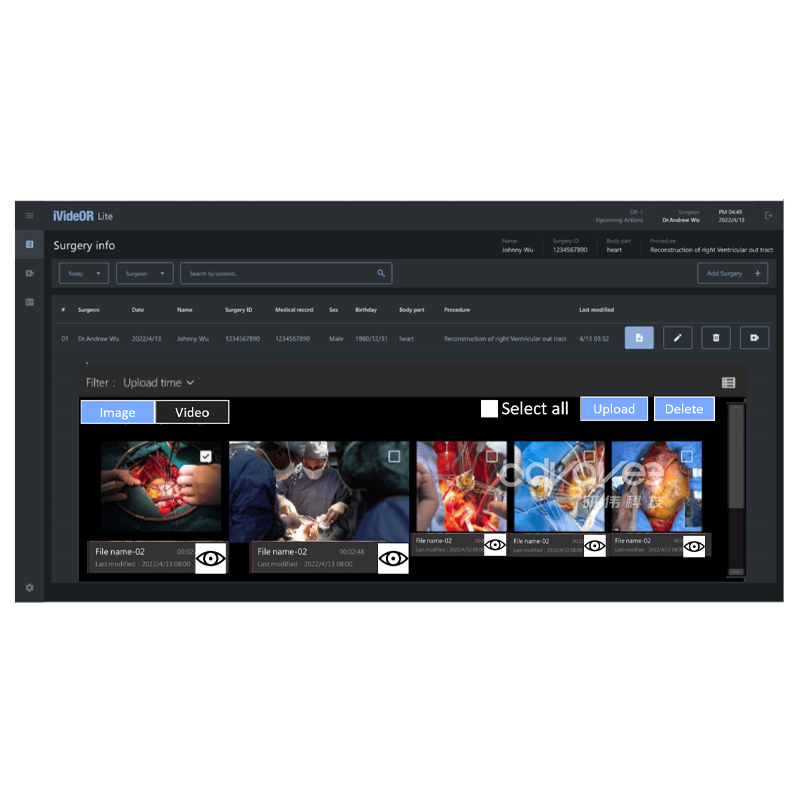
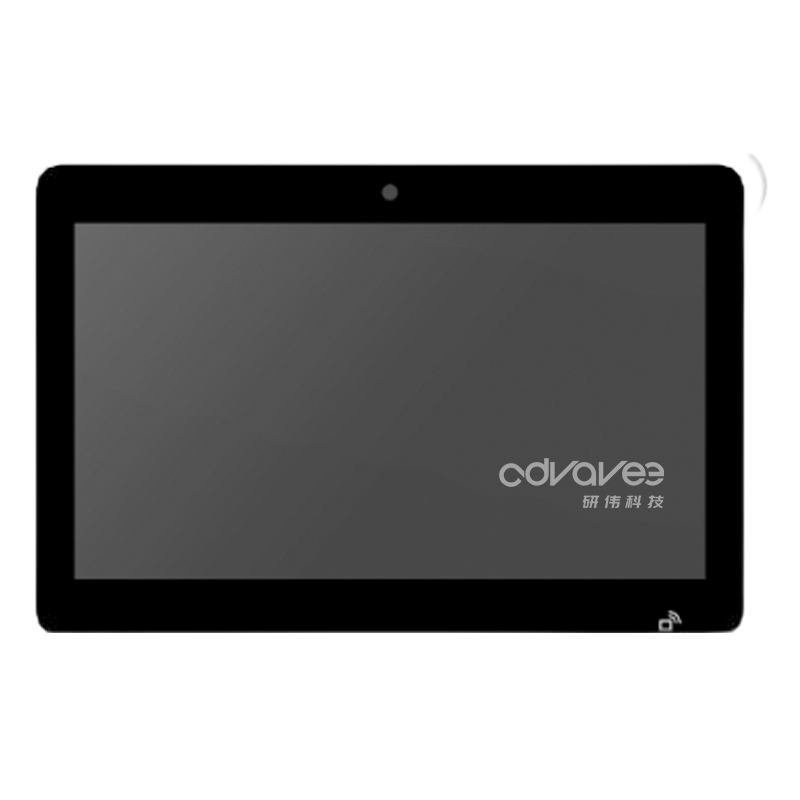
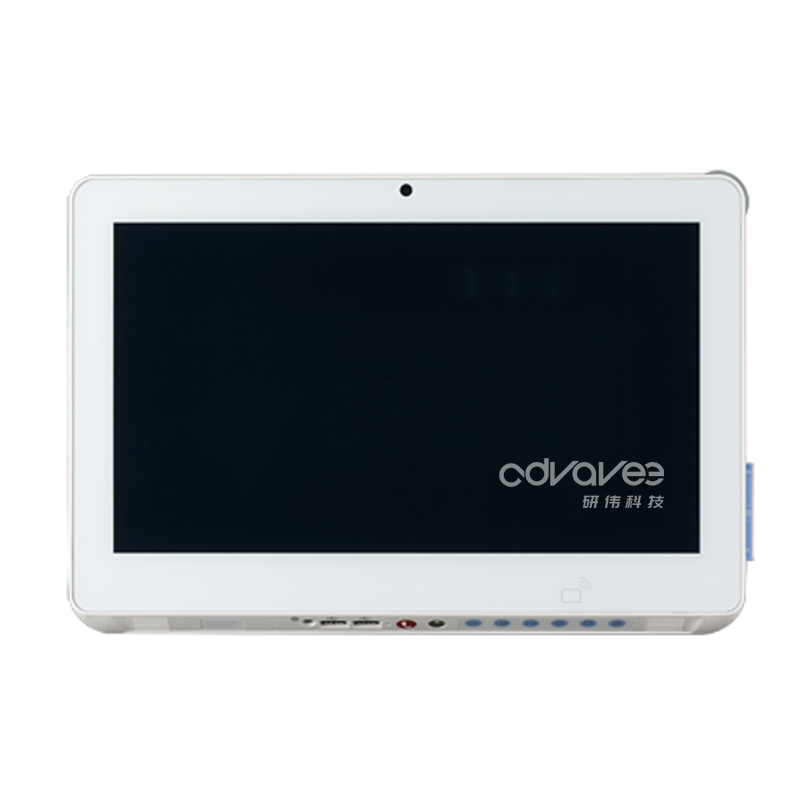
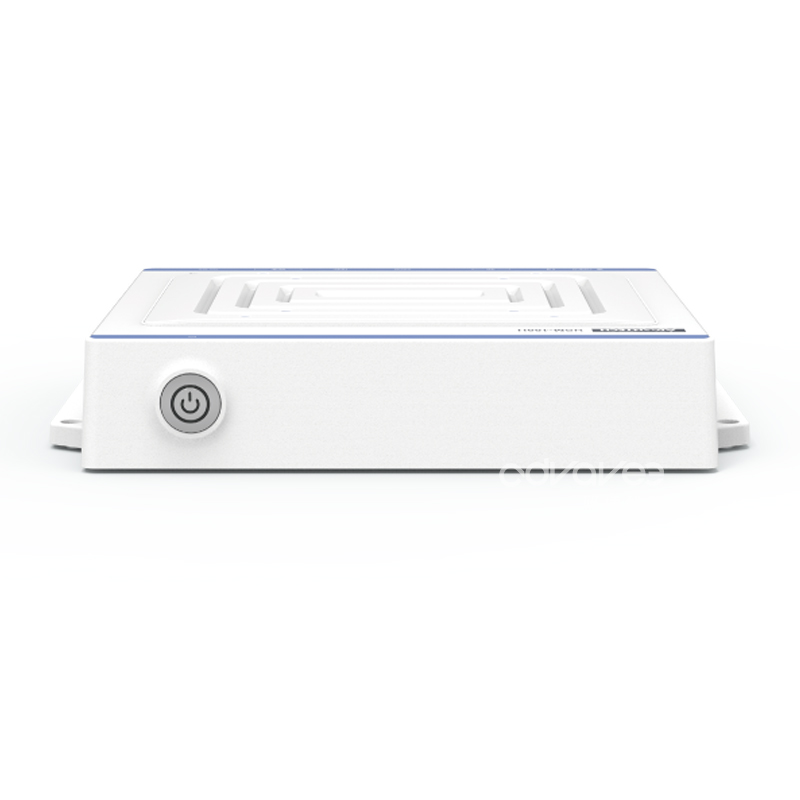
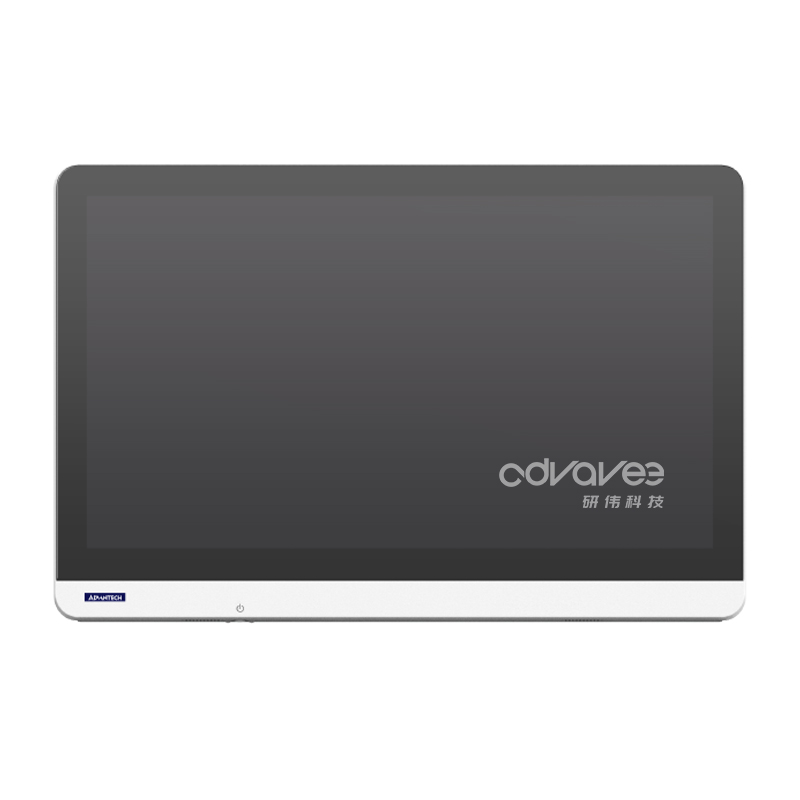
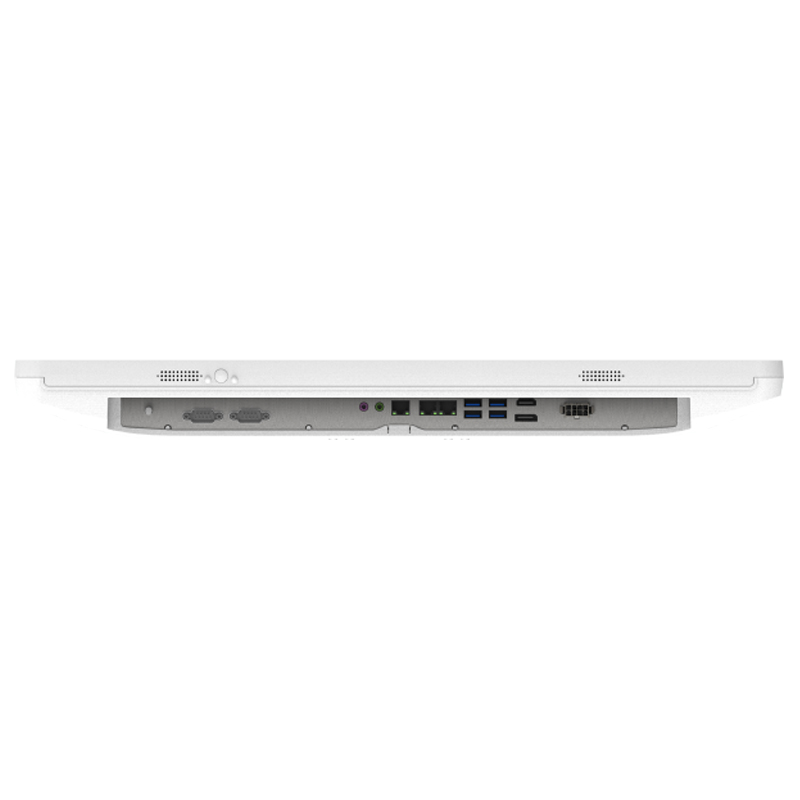
研华iVideOR Lite 是一个面向未来的平台,可改变手术影像管理工作流程,简化工作流程,提高手术室效率:通过减少数据输入,简化了术前和术后活动,轻松访问数据。
如需帮助,请联系我们
免费电话:400-880-8951
公司邮箱:advavee@outlook.com
咨询客服:一站式采购
批量采购定制咨询,请发送您的需求,我们将立即回复。
Specifications
| Service | Function | Description |
|
Surgery information |
Information establishment | Supports individual information input and batch synchronizing of Excel files or HIS. |
| File management | Files can be saved and grouped by operation time and medical record number. | |
| File preview | Open the folder where captured files are stored and preview snapshots or videos with the default software. | |
| Display | Show surgery information on the recording page and the WHO checklist. | |
| Photos (DICOM format) | Snapshots can be converted to DICOM format and uploaded to a PACS server. | |
|
Video solution |
Recording | Videos from different sources can be recorded simultaneously or separately. |
| Length notification | The length of recorded video can be seen during the recording process. | |
| Disk space | Users can see the remaining local disk space on the recording page. | |
| Live preview | Real-time video of medical devices is available on the recording page. | |
| Display selection | Supports 1ch/2ch video source preview and operates on one screen. | |
| Color settings | Brightness, contrast, hue, saturation, and sharpness of the video can be adjusted and previewed immediately. | |
| Quality reduction | Supports three resolutions: 1280x720 (downscaled to 2/3), 960x540 (downscaled to 1/2), and 480x270 (downscaled to 1/4) | |
| Broadcasting | Videos can be broadcasted within the same LAN and easily shared via a web address. | |
| WHO Checklist | Surgical checks | The standard WHO checklist with an integrated default questionnaire. |
| Editable | Questions can be modified by users through Excel files. | |
|
Others |
Guided design | The software guides users step-by-step to complete recordings. |
| Bilingual | Chinese and English interfaces. | |
| Color mode | Users can switch between bright and dark mode. | |
| File backup | By assigning local and destination file paths, backups will be performed automatically. | |
| Datasheet maintenance | Surgery information, procedures, body parts, and the WHO checklist can be maintained through Excel files. | |
| External links | Add external links and icons in the settings page to integrate them into the sidebar. Icons will trigger pop-ups of webpages and apps when clicked. | |
| Automatic deletion | Users can set a time to automatically delete local storage files. |
Ordering Information
| Product name | Part number | Description |
| POC621, iVideOR Lite | POC-621ORLTL-S1E-C | POC-621 1CH FHD/i5/TL/16G/1TB/wifi/Win10/iVORLT |
| POC621, iVideOR Lite | POC-621ORLTL-S2E-C | POC-621 2CH FHD/i5/TL/16G/1TB/wifi/Win10/iVORLT |
| POC621, iVideOR Lite | POC-621OL4KT-S2E-C | POC-621 2CH 4K/i7/TL/16G/2TB/wifi/Win10/iVORLT |
| POC621, iVideOR Lite | POC-621OL4TT-S1E-C | POC-621 1CH FHD/i5/TL/16G/4TB/wifi/Win10/iVORLT |
| POC624, iVideOR Lite | POC-624ORLTL-S1E-C | POC-624 1CH FHD/i5/TL/16G/1TB/wifi/Win10/iVORLT |
| POC624, iVideOR Lite | POC-624ORLTL-S2E-C | POC-624 2CH FHD/i5/TL/16G/1TB/wifi/Win10/iVORLT |
iVideOR Lite我们网站向用户提供的cookie来增强您的用户体验,个性化内容,并向您展示有关我们优质产品的更多相关内容。
如果您同意我们使用cookie,请点击“接受所有cookie”。
或者,点击“管理cookie”以了解更多关于我们的隐私和cookie通知的信息,并选择您希望我们使用的cookie类型。